Is someone using a SIM in your name? Check in 2 minutes on Sanchar Saathi — and report fraud calls tooकहीं आपके नाम पर कोई और SIM तो नहीं चल रही? Sanchar Saathi पर 2 मिनट में जाँचें — और फ़्रॉड कॉल की शिकायत भी करें
Fraudsters often use SIM cards issued on other people's IDs. A free government tool shows every number linked to your name and lets you cut off the ones that aren't yours.ठग अक्सर दूसरों के ID पर निकली SIM इस्तेमाल करते हैं। सरकार का एक मुफ़्त टूल आपके नाम से जुड़ा हर नंबर दिखाता है और जो आपके नहीं हैं, उन्हें बंद करवाने देता है।
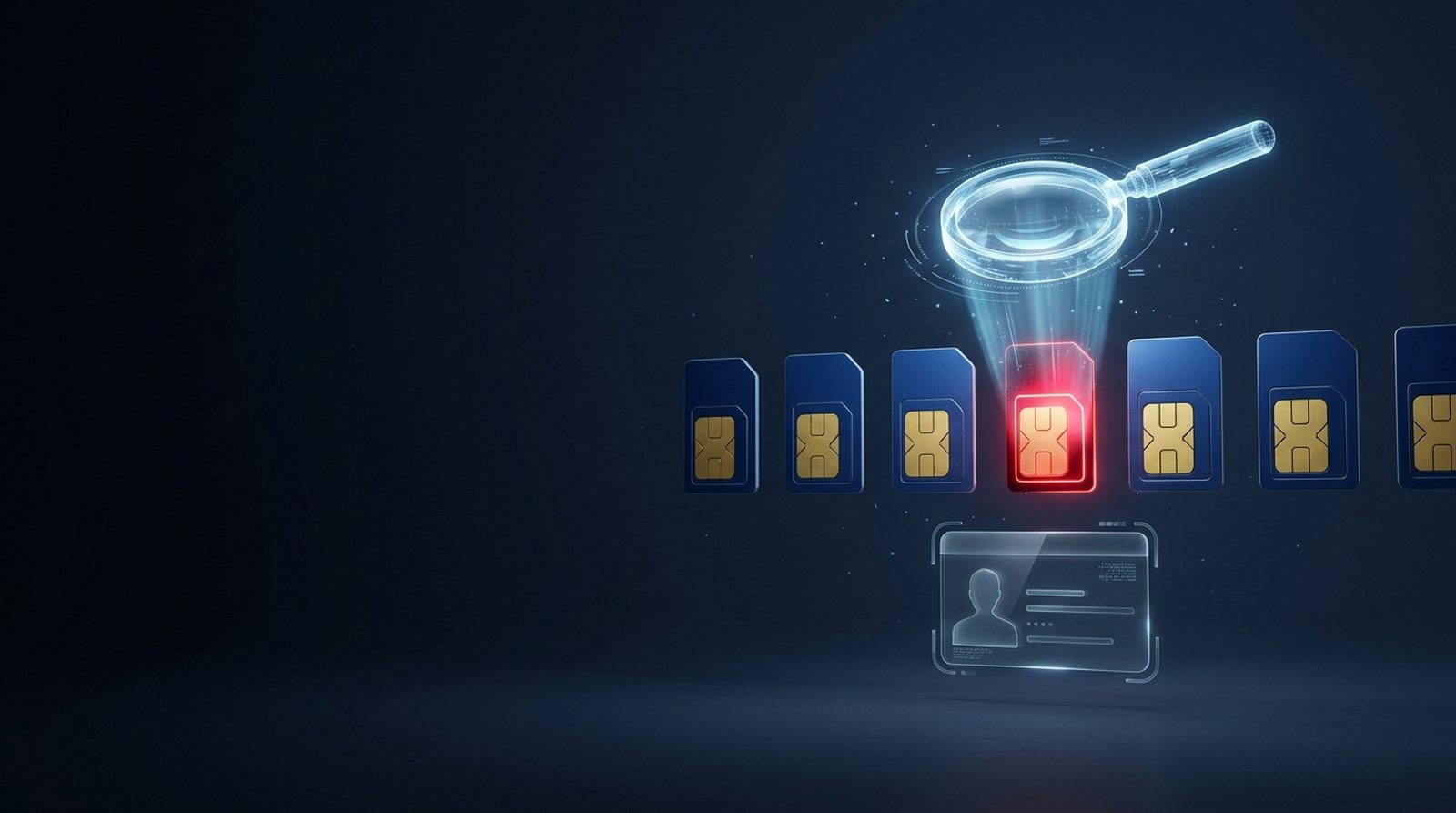
Here's an uncomfortable fact: many cyber frauds are carried out using SIM cards registered in the names of ordinary people who have no idea. A photocopy of your Aadhaar left at a shop, or an extra SIM activated during a 'free' camp, can end up in the wrong hands. If a crime is committed with that number, the trail leads to you.
The Department of Telecommunications has a free tool to check this, inside the Sanchar Saathi portal and app. It's called 'Know mobile connections in your name' (earlier known as TAFCOP).
How many SIMs can one person have?
One person can hold a maximum of 9 mobile connections across all telecom operators in India. If the tool shows numbers you don't recognise, they count against your limit — and they may be in use by someone else.
How to check, step by step
Open the Sanchar Saathi website or app and choose 'Know mobile connections in your name'. Enter your mobile number and the captcha, then log in with the OTP. You will see a list of all numbers registered against your identity.
For each number, you get options. Mark 'Not my number' for any connection you never took, and 'Not required' for old numbers you no longer use. Your request goes to the operator, and you get a reference ID to track it. Connections you report as not yours are taken up for verification and disconnection.
Two minutes on this page can stop a stranger from committing a crime in your name.
Got a fraud call or SMS? Report it on Chakshu
The same portal has a section called Chakshu, where you can report suspected fraud calls, SMS and WhatsApp messages — fake KYC alerts, 'your electricity will be cut tonight', fake job offers and so on. You don't need to have lost money to report. Each report helps the government block the numbers and devices fraudsters use.
Buying a second-hand phone? Check it first
Sanchar Saathi also has 'Know genuineness of your mobile handset' (KYM). Before you buy a used phone, enter its IMEI (dial *#06# on that phone) to see whether it is genuine and whether it has been reported lost or stolen.
Where to go if money is lost
Chakshu is for reporting suspicious communication. If you have already lost money, don't wait — call 1930 or file a complaint at cybercrime.gov.in, and inform your bank right away.
एक कड़वा सच: बहुत-सी साइबर ठगी ऐसी SIM से होती है जो आम लोगों के नाम पर रजिस्टर होती हैं, और उन्हें पता तक नहीं होता। किसी दुकान पर छोड़ी गई आधार की फ़ोटोकॉपी, या किसी 'फ़्री' कैंप में चालू कर दी गई एक्स्ट्रा SIM ग़लत हाथों में पहुँच सकती है। अगर उस नंबर से कोई अपराध होता है, तो सुराग़ आप तक आता है।
दूरसंचार विभाग ने इसे जाँचने के लिए Sanchar Saathi पोर्टल और ऐप में एक मुफ़्त टूल दिया है — 'Know mobile connections in your name' (पहले इसे TAFCOP कहा जाता था)।
एक व्यक्ति के नाम पर कितनी SIM हो सकती हैं?
भारत में एक व्यक्ति के नाम पर सभी कंपनियों को मिलाकर ज़्यादा से ज़्यादा 9 मोबाइल कनेक्शन हो सकते हैं। अगर टूल में ऐसे नंबर दिखें जिन्हें आप नहीं पहचानते, तो वो आपकी इसी लिमिट में गिने जाते हैं — और हो सकता है कोई और उन्हें इस्तेमाल कर रहा हो।
जाँचने का तरीका, स्टेप बाय स्टेप
Sanchar Saathi वेबसाइट या ऐप खोलें और 'Know mobile connections in your name' चुनें। अपना मोबाइल नंबर और कैप्चा डालें, फिर OTP से लॉग-इन करें। आपकी पहचान से जुड़े सारे नंबरों की लिस्ट सामने आ जाएगी।
हर नंबर के आगे विकल्प मिलते हैं। जो कनेक्शन आपने कभी लिया ही नहीं, उस पर 'Not my number' चुनें, और जो पुराने नंबर अब काम के नहीं, उन पर 'Not required'। आपकी रिक्वेस्ट ऑपरेटर के पास जाती है और ट्रैक करने के लिए एक रेफ़रेंस ID मिलती है। जिन नंबरों को आप 'मेरा नहीं' बताते हैं, उनकी जाँच होकर उन्हें बंद किया जाता है।
इस पेज पर बिताए दो मिनट किसी अजनबी को आपके नाम पर अपराध करने से रोक सकते हैं।
फ़्रॉड कॉल या SMS आया? Chakshu पर शिकायत करें
इसी पोर्टल में Chakshu नाम का सेक्शन है, जहाँ आप शक वाली कॉल, SMS और WhatsApp मैसेज की शिकायत कर सकते हैं — नकली KYC अलर्ट, 'आज रात आपकी बिजली कट जाएगी', नकली नौकरी के ऑफ़र वग़ैरह। शिकायत करने के लिए पैसे गँवाना ज़रूरी नहीं है। हर शिकायत से सरकार को ठगों के नंबर और डिवाइस ब्लॉक करने में मदद मिलती है।
पुराना फ़ोन ख़रीद रहे हैं? पहले जाँच लें
Sanchar Saathi में 'Know genuineness of your mobile handset' (KYM) भी है। सेकंड-हैंड फ़ोन लेने से पहले उसका IMEI (उसी फ़ोन में *#06# डायल करके) डालिए और देखिए कि फ़ोन असली है या नहीं, और कहीं वो चोरी या खोया हुआ तो दर्ज नहीं है।
पैसे चले गए हों तो कहाँ जाएँ
Chakshu शक वाले मैसेज और कॉल की शिकायत के लिए है। अगर पैसे जा चुके हैं, तो इंतज़ार न करें — तुरंत 1930 पर कॉल करें या cybercrime.gov.in पर शिकायत करें, और बैंक को भी फ़ौरन बताएँ।
Quick check: did it stick?झटपट जाँच: याद रहा?
You see a number in your name that you never took. What should you mark?आपके नाम पर ऐसा नंबर दिखा जो आपने कभी नहीं लिया। क्या चुनें?
Written in our own words. Facts checked against: हमारे अपने शब्दों में लिखा। तथ्य इनसे जाँचे गए: Sanchar Saathi (DoT), Vikaspedia (Government of India), PIB
Read nextआगे पढ़ें
Lost your phone? How to block it on Sanchar Saathi so nobody can use it — step by stepफ़ोन खो गया या चोरी हो गया? Sanchar Saathi पर उसे ब्लॉक करें, ताकि कोई इस्तेमाल न कर सके — पूरा तरीका
The government's free CEIR service can block a lost phone on every network in India and help police trace it. Here's exactly what you need and what to do, in order.सरकार की मुफ़्त CEIR सेवा खोए हुए फ़ोन को भारत के हर नेटवर्क पर ब्लॉक कर सकती है और पुलिस को उसे ढूँढने में मदद करती है। क्या-क्या चाहिए और किस क्रम में क्या करना है, सब यहाँ।

Lock your Aadhaar fingerprints in 5 minutes: the free safety switch most people never use5 मिनट में आधार के फ़िंगरप्रिंट लॉक करें: वो मुफ़्त सुरक्षा बटन जो ज़्यादातर लोग कभी इस्तेमाल नहीं करते
UIDAI lets you lock your fingerprint, iris and face authentication so nobody can misuse them. Here's how to lock, unlock when needed, and what changes after you do it.UIDAI आपको फ़िंगरप्रिंट, आँख (आइरिस) और चेहरे की पहचान लॉक करने देता है, ताकि कोई उनका ग़लत इस्तेमाल न कर सके। लॉक कैसे करें, ज़रूरत पर अनलॉक कैसे करें, और उसके बाद क्या बदलता है — सब यहाँ।

Tired of loan and credit card calls? Turn on DND in 1 minute with 1909 — and report the restलोन और क्रेडिट कार्ड वाली कॉल से परेशान? 1909 से 1 मिनट में DND चालू करें — और बाक़ी की शिकायत करें
DND blocked billions of promotional calls and SMS in just three months this year. Here's how to switch it on with an SMS, a call or the TRAI app, and what it can't stop.इस साल सिर्फ़ तीन महीनों में DND ने अरबों प्रमोशनल कॉल और SMS रोके। SMS, कॉल या TRAI ऐप से इसे कैसे चालू करें, और ये क्या नहीं रोक पाता — यहाँ समझिए।